Smart TV Channel Setup Guide in Arabic
, by SwitchOn Bahrain, 1 min reading time
, by SwitchOn Bahrain, 1 min reading time
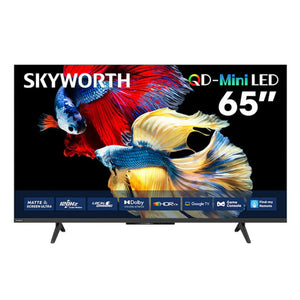
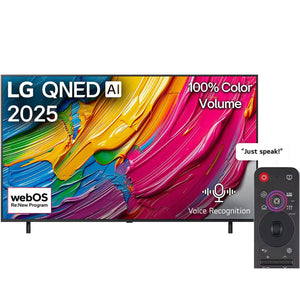
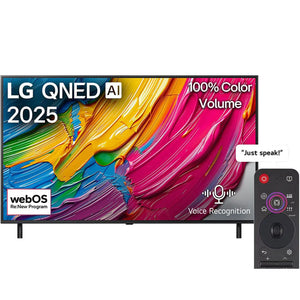
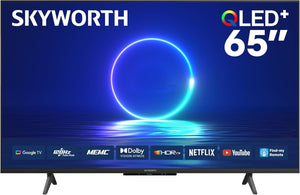
Smart TVs are among the most important modern home appliances that offer you an exceptional viewing experience. In this guide, we will help you set up Arabic smart TV channels with ease.
Before starting channel setup, make sure the TV is connected to the internet. You can use Wi-Fi or an Ethernet cable.
After connecting to the internet, you need to create an account on the smart TV platform such as Netflix or YouTube.
Search for available Arabic channels in the channel list. You can use the search function to facilitate the process.
Providing an enjoyable viewing experience requires proper setup of smart TV channels. And don't forget that SwitchOn is your ideal destination for buying home appliances, including air conditioners and smart TVs. Enjoy shopping by visiting our website and browsing our diverse range of products.
Don't wait any longer! Explore SwitchOn's offers today and start enhancing your home experience with the best home appliances and electronics. Visit our website and order now!
Add Switch On as a preferred source and our Bahrain buying guides and offers show up more often in your Google results.