Best power saving settings for Smart TV
, by SwitchOn Bahrain, 1 min reading time
, by SwitchOn Bahrain, 1 min reading time
In today's world, smart TVs are an integral part of our daily lives. However, their use can lead to significant energy consumption. In this article, we will review the best power-saving settings for smart TVs to help you reduce electricity bills and protect the environment.
Here are some steps you can follow to adjust power-saving settings:
Saving energy is not limited to reducing bills; it has other benefits such as:
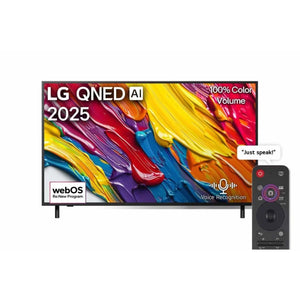
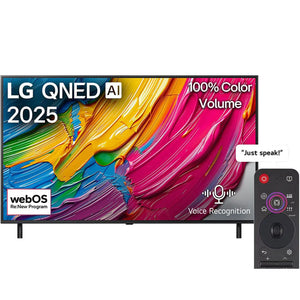
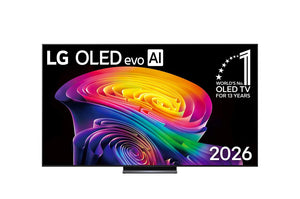
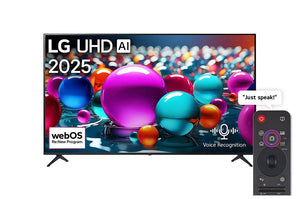
When you are looking for smart TVs with high energy efficiency, SwitchOn is your ideal destination. We offer a wide range of modern devices featuring advanced power-saving technologies.
By using the appropriate power-saving settings, you can enjoy your smart TV while reducing your environmental footprint. Don't forget to visit SwitchOn to discover more great options.
Take action today! Visit SwitchOn and browse our wide range of home appliances and electronics, and start saving energy while enjoying a great viewing experience!
Add Switch On as a preferred source and our Bahrain buying guides and offers show up more often in your Google results.